
Everything RealTime.Photos
does for your event.
From the moment guests scan the QR code to the analytics you share with your team — here's how the full product works.
Event Experience
Scan. Browse. Find yourself. Share.
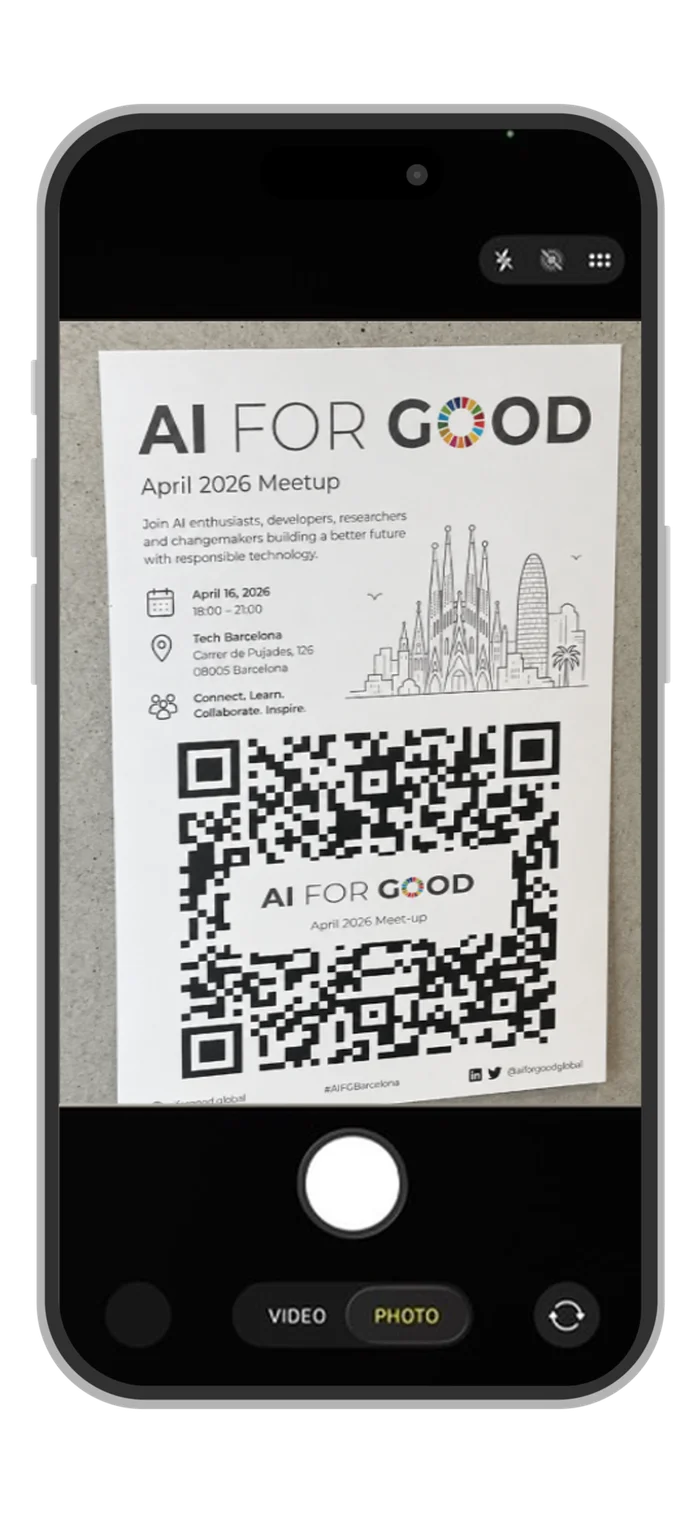
Scan
A QR code at the venue opens the gallery in any browser, with nothing to download and no account to create.
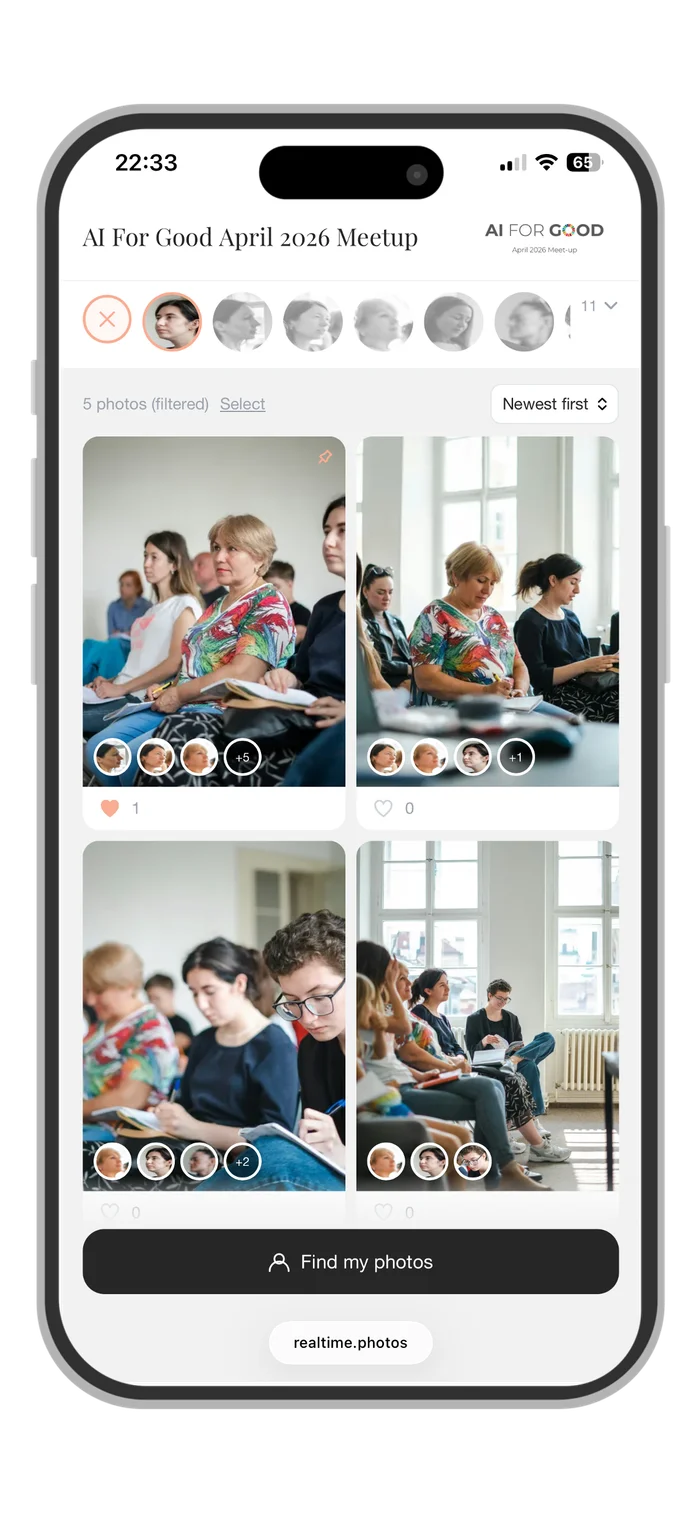
Browse & Filter
Photos appear in real time as the photographer uploads. Tap a face avatar to filter the gallery to any person.
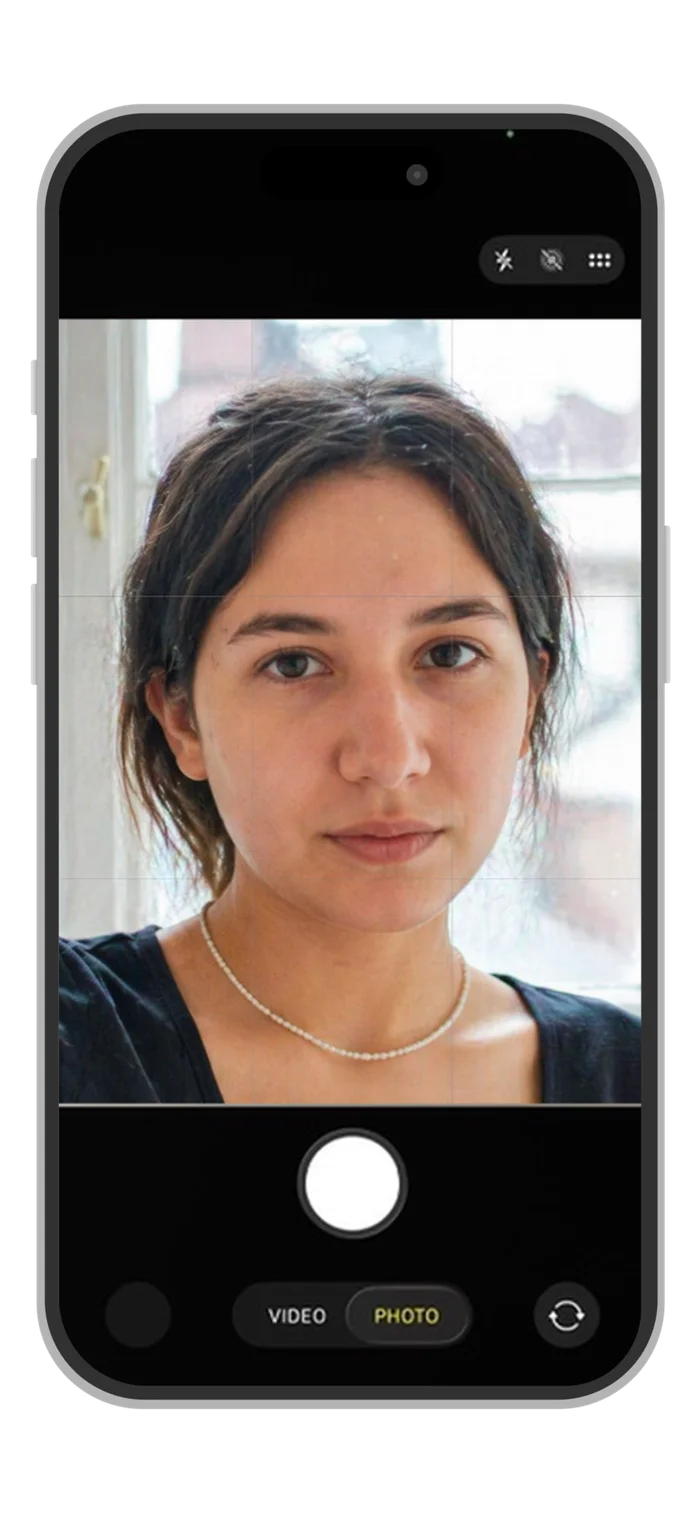
Find Your Photos
Tap “Find my photos”, take a quick selfie, and filter instantly to every photo you appear in — out of hundreds.
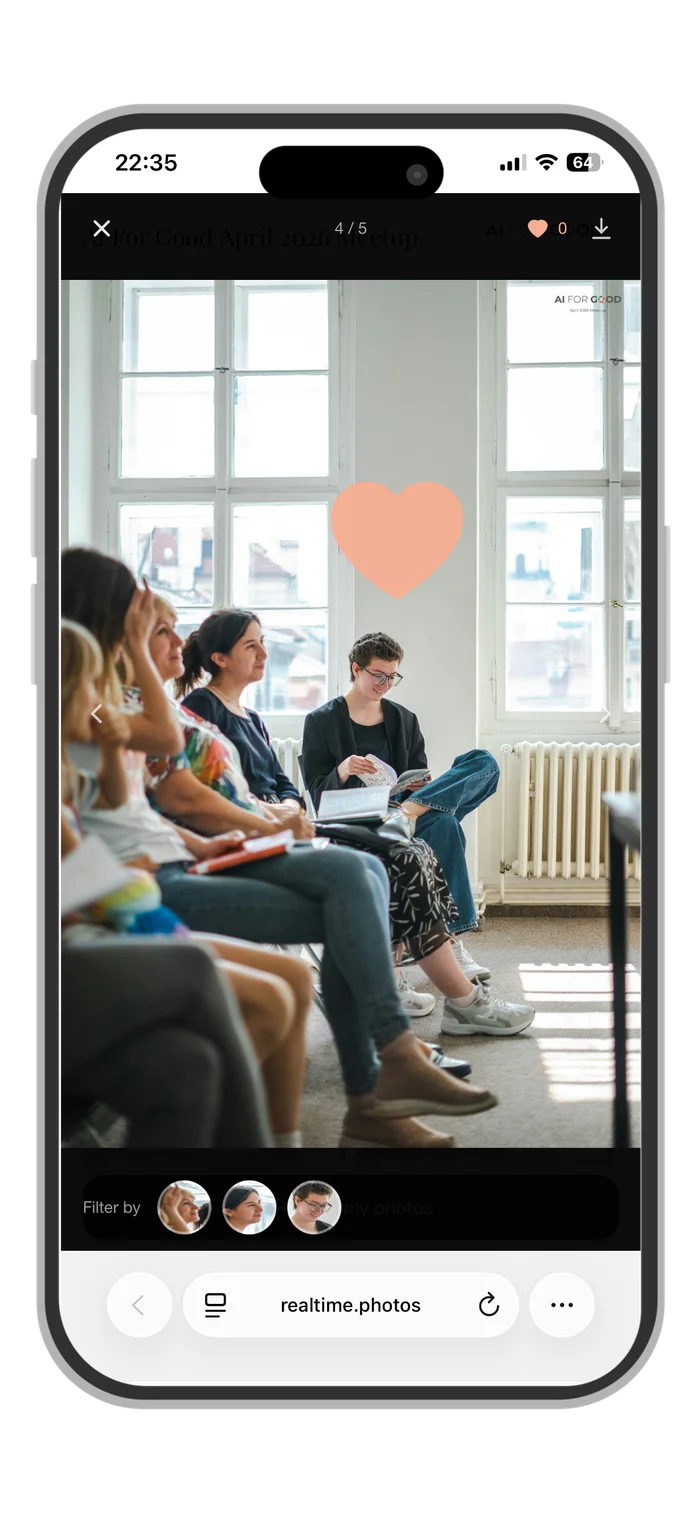
Like, Download & Share
Like photos, download them in full resolution, and share directly from your phone.
Event Branding
Your event brand front and centre.
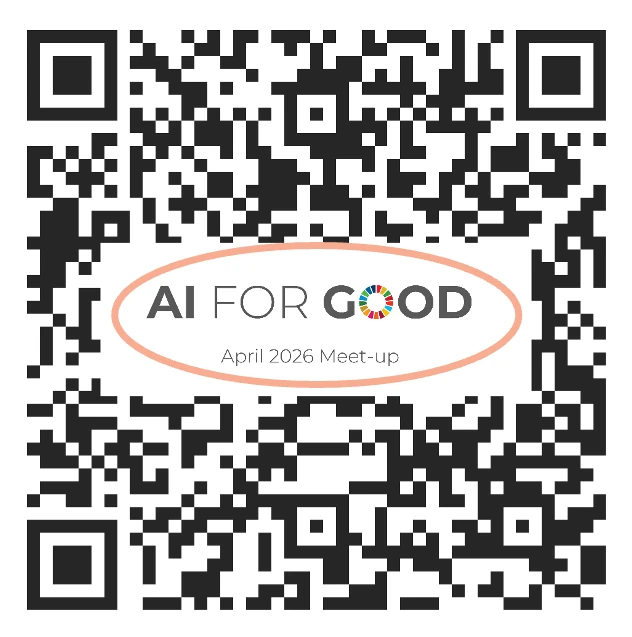
Custom QR Code
The QR code can embed your logo. Print-ready, on-brand, and ready for signage, presentation slides, menus, or lanyards.
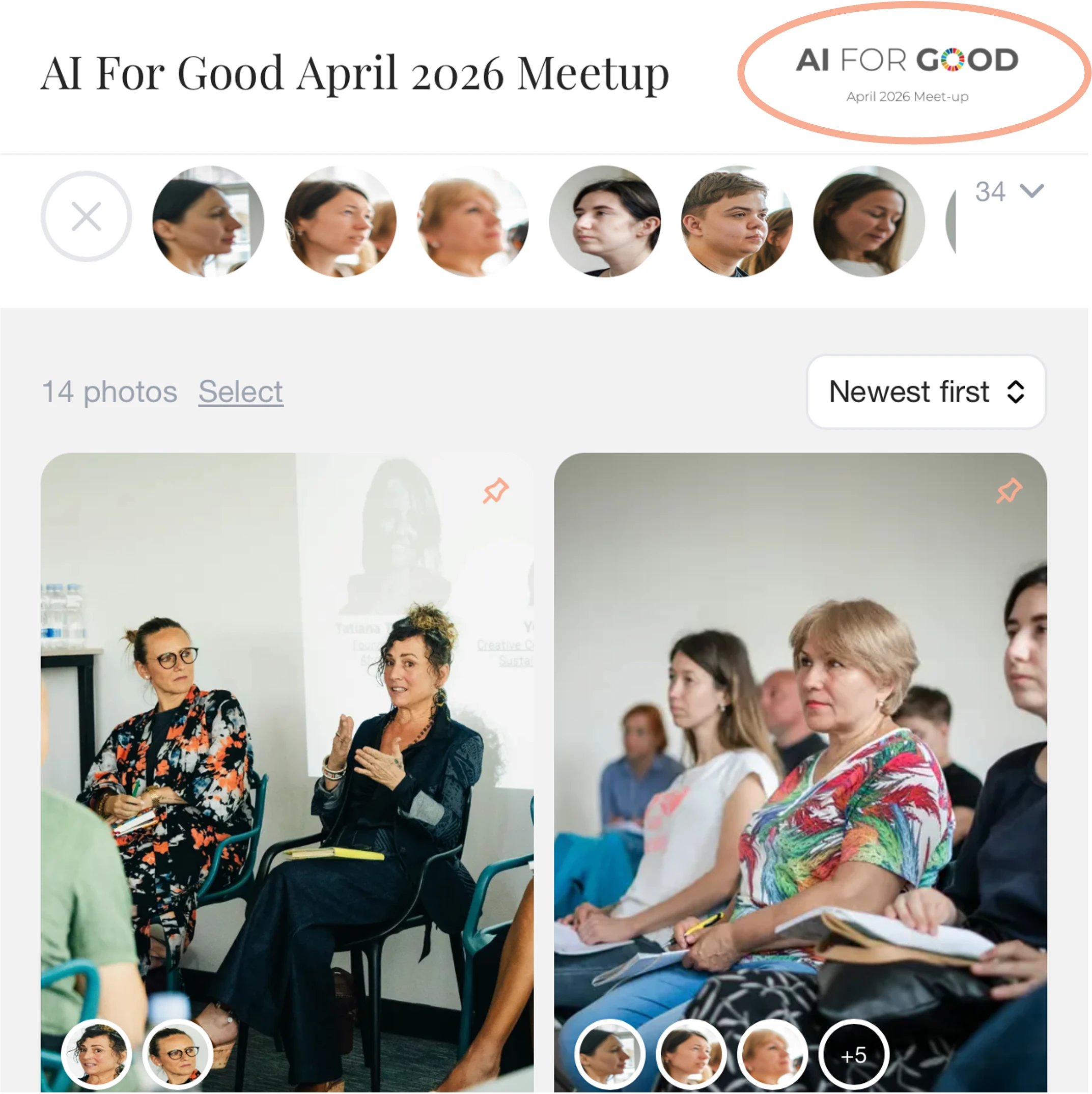
Gallery Logo
Your logo, brand colour, and font displayed in the live guest gallery. Guests see your brand throughout.

Custom Banner & CTA
Add a sponsor logo, event message, or call-to-action strip below the face filters. Fully customisable: background colour, fonts, subtitle, and a clickable link.

Photo Watermark
A custom watermark at your chosen position and size. Applied on download only, or overlaid in the gallery too.
Event Analytics
A live view of how your guests are engaging.
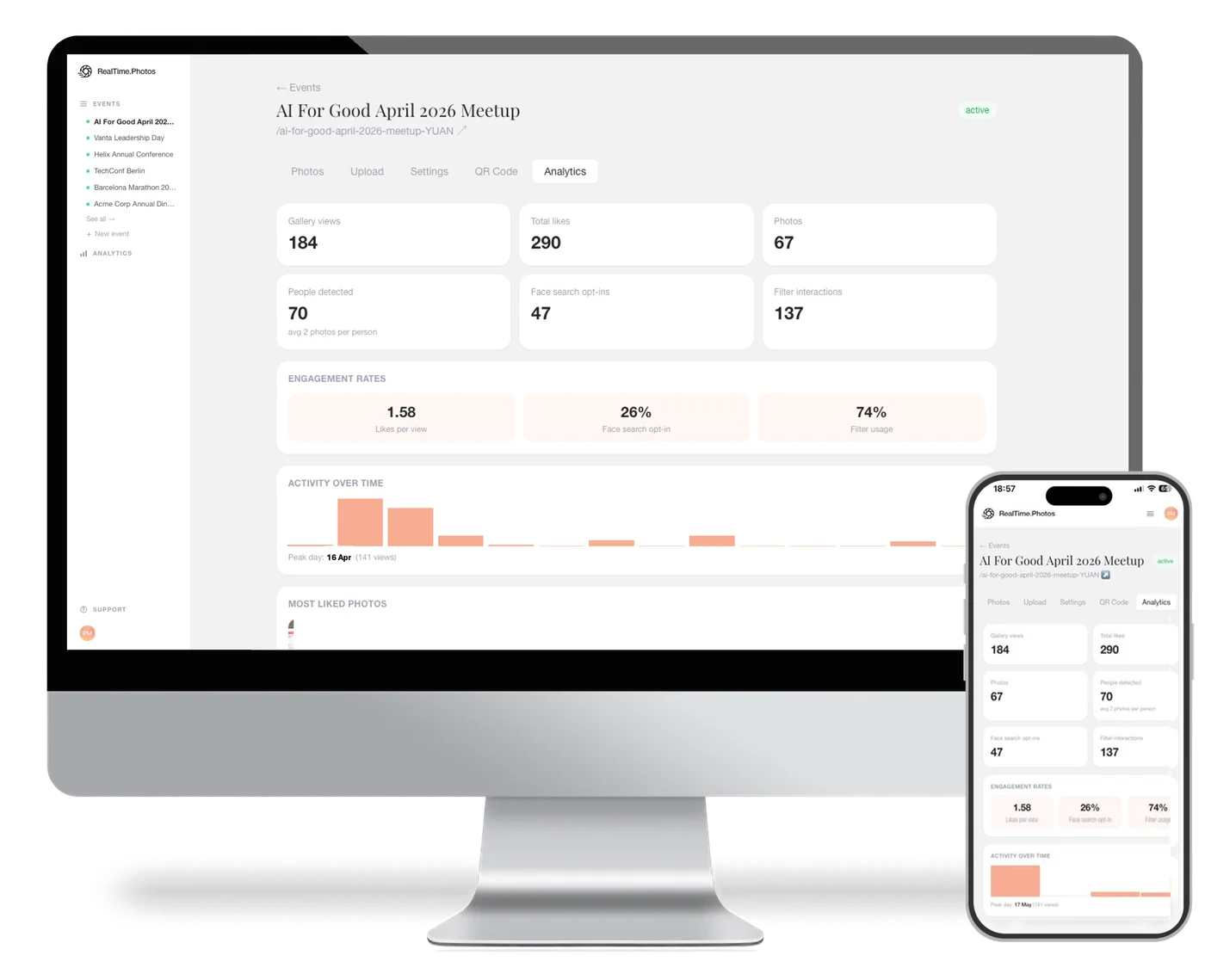
Every event comes with a real-time analytics dashboard. Report back to your leadership or your client with numbers, not just photos. A cross-event analytics view is also available for total performance across all your events.
Engagement tracking is anonymous and needs no guest accounts.
- Number of photos and people detected
- Gallery visits and photo views over time
- Selfie searches and how often they find the guest
- Visits after the event and in its first week
Who attended
Custom onlyGender and age distribution, and cross-tabulated demographics. Know your audience.
How they engaged
All plansGallery visits, selfie searches, likes, downloads, and everything you need to measure their experience.
How they looked
Custom onlyExpression breakdown across the whole event. Data your stakeholders have never seen before.
Who connected
Custom onlySocial index, top connectors, and interactive network graph. Proof of real conversations.
Your own KPIs
Custom onlyScore each event out of 100 against your own objectives, from our figures and your own, such as NPS or cost per attendee.
Sponsor exposure
Custom onlyReads sponsor and brand names in the photos. Filter every figure by keyword, and add two pages for each sponsor to the event report.
The Platform
Set up the gallery your way, before and during the event.
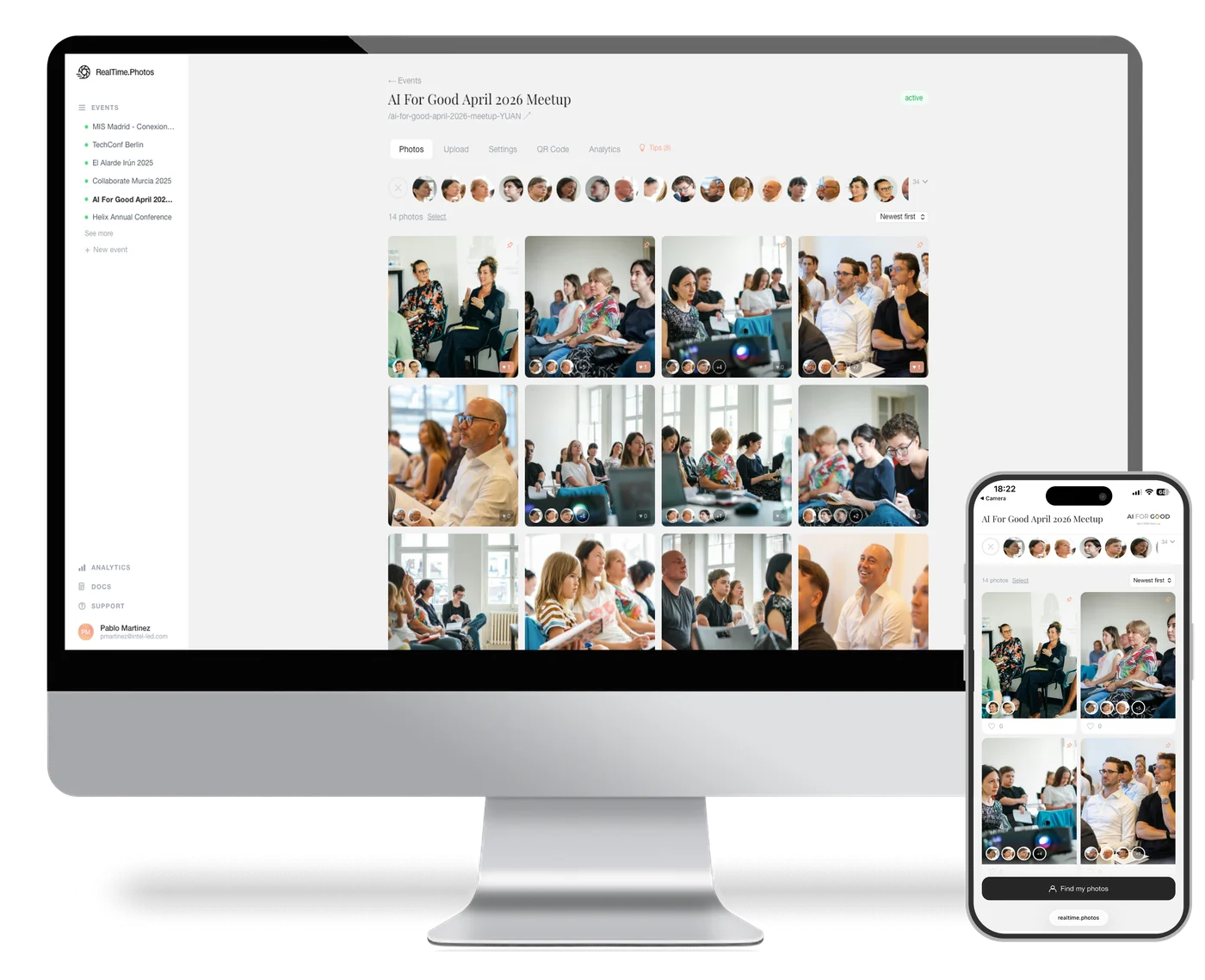
The dashboard gives you full control over the guest experience — branding, access, privacy, and behaviour — before and during the event. Guests see none of it. They scan the QR code and they're in.
Collaborators
Bring in your photographer, an editor or an assistant. Upload-only on every plan, co-owner on Pro and Custom.
Collections
Custom onlyGroup several events under one branded page, so guests move between them.
White-label domain
Custom onlyServe the gallery from your own domain.
TV slideshow
Pro and CustomCast the live gallery to any screen at the venue, updating as photos arrive.
Privacy
Privacy first, by design.
Publishing event photos in real time is no different from sharing them on a company LinkedIn page or a post-event website — you decide what goes live. Face recognition is there to help guests find their own photos. No name is ever attached to a face, and no external database is queried.
You control who gets in
Gallery password
Restrict access to invited guests only. Share the password however suits the event — printed on lanyards, sent with the invite, or announced on the day.
Face-gated entry
Require guests to submit a selfie to enter the gallery. They will only see the photos they appear in. If there are no photos of them, they cannot access it. The most private setup available.
QR/URL-only access
No public index, no search engine listing. The only way into the gallery is the link or QR code — which you control who receives.
Downloads & watermark
Enable or disable downloads entirely. If enabled, every downloaded file can carry a custom watermark.
We don't keep what we don't need
No guest identity data
The selfie used to find photos is processed in real time and never stored. Guests need no account, and no face is ever linked to a name.
No guest tracking
The gallery is accessed anonymously. No app, no login, no account, no record of who visited or when.
Isolated face collection
Face data is built from uploaded event photos only — no external database. Each event has its own isolated collection, permanently deleted at the end of the retention period.
Anonymous analytics
Gallery engagement — views, likes, opt-in rates — is counted in aggregate, never per guest.
Ready to run your
first live event?
Start with a free trial — one event, up to 20 photos, no credit card required.
Or book a demo and we'll walk you through it live.